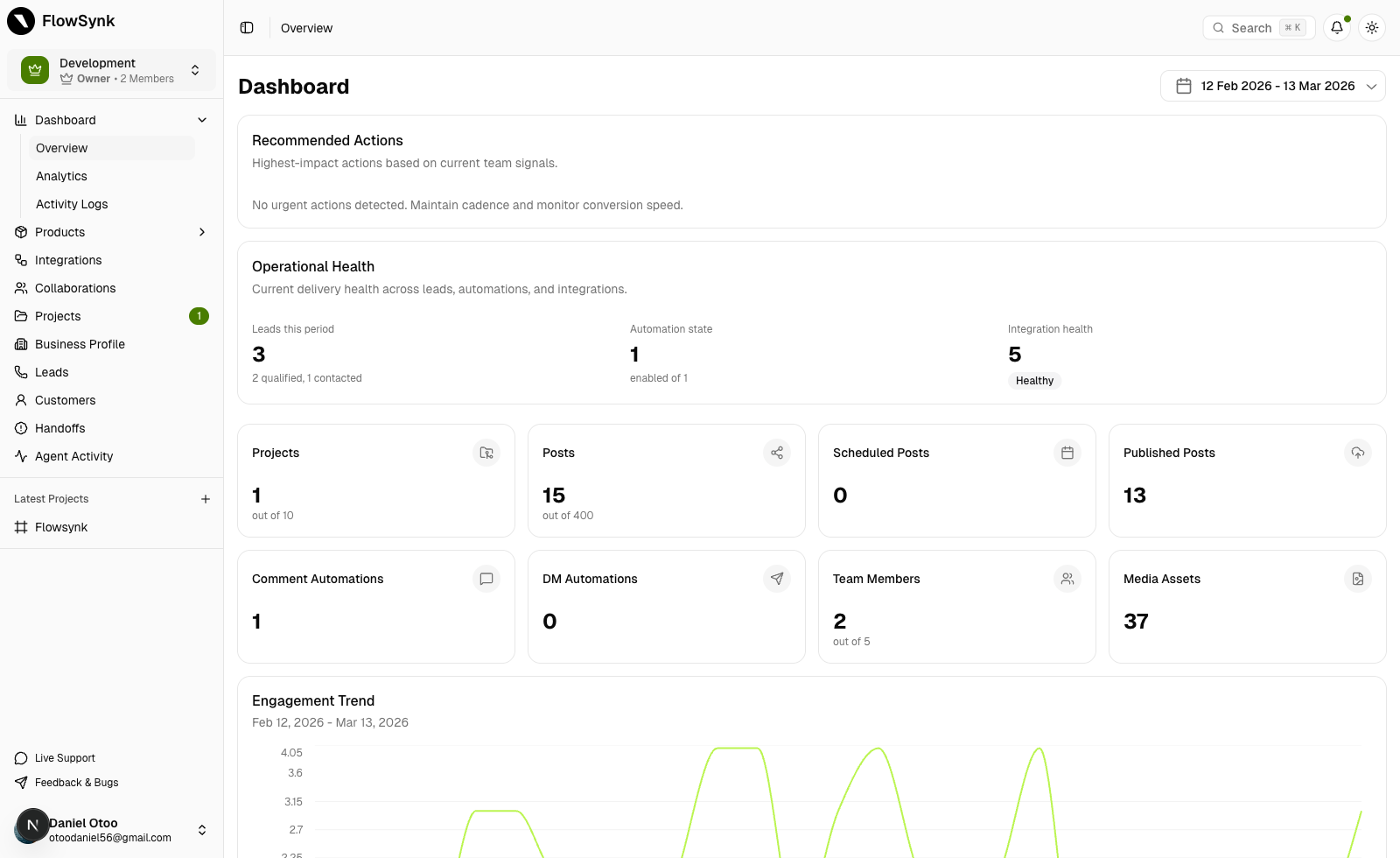
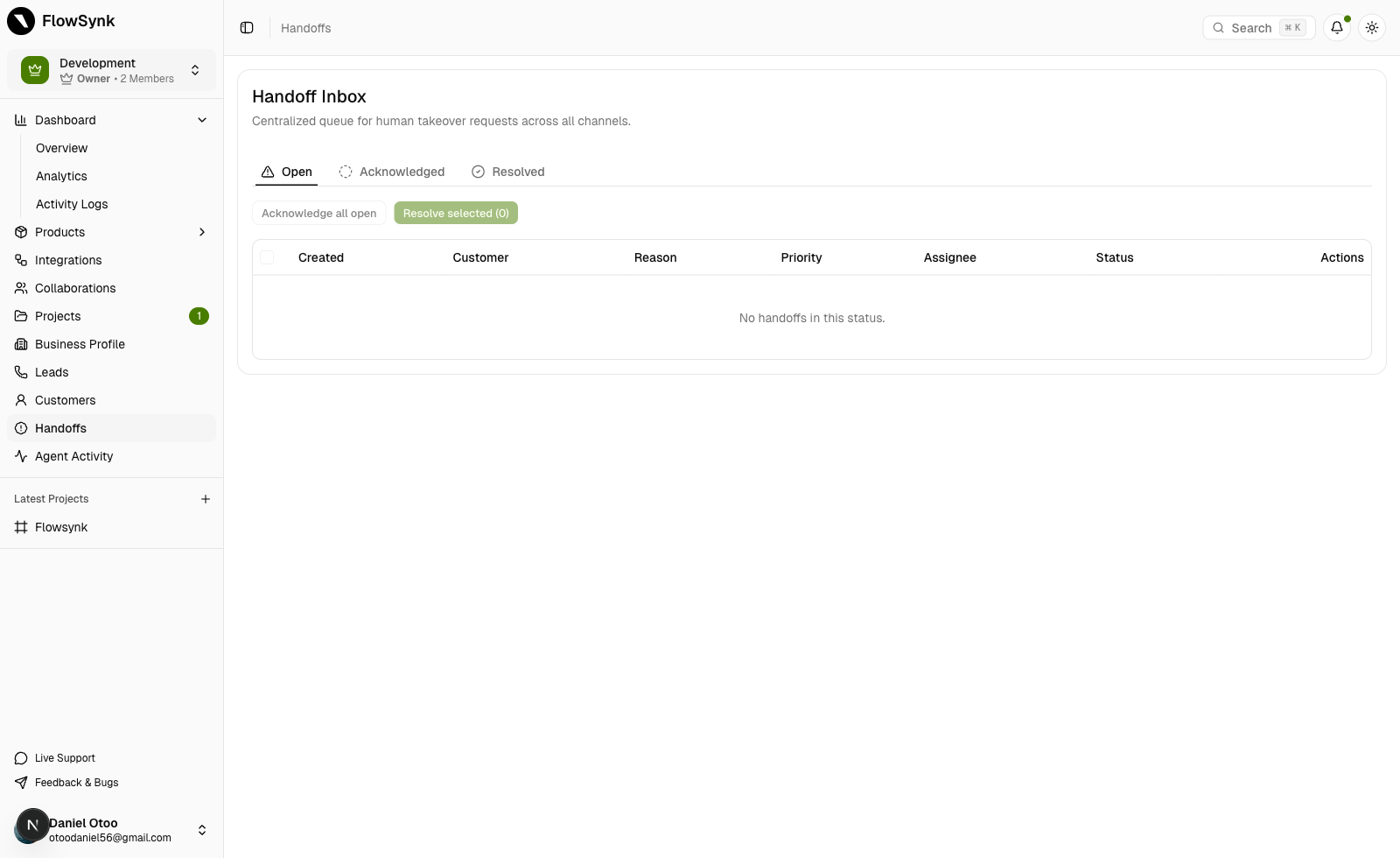

One operating system
Publishing, engagement, lead capture, AI agents, customer profiles, and operational visibility in a single system — not five disconnected tabs.
FlowSynk helps organizations and teams automate comment and DM workflows, keep brand voice consistent, publish faster, and stay in control as volume grows.
Built for creators, ecommerce teams, agencies, and in-house social operators.
FlowSynk is the operating layer between publishing and pipeline — connecting engagement, lead capture, AI agents, and team accountability when response load rises and revenue outcomes depend on social.
Response operations
Move repeatable comment and DM work into controlled automations so response speed does not collapse during launches or off-hours.
Revenue signal
Build workflows around lead capture, qualification, and follow-up instead of treating social as a disconnected content channel.
Organization & team control
Organizations, projects, review steps, and activity visibility make it easier to grow team output without turning the brand voice into chaos.
A strong rollout is usually simple. Start with one project, one live channel mix, and one workflow worth automating immediately.
The goal is not just to send replies faster. It is to structure how your team publishes, responds, captures intent, and improves over time.
Foundation first
Create an organization, add teams for each brand or client, and start projects with connected channels and the brand context you need before anything goes live.
What happens here
Automation with guardrails
Build comment and DM automations around triggers, intent, and saved brand guidance so responses stay useful instead of generic.
What happens here
One workflow, not two tools
Draft, schedule, and coordinate content from the same system that handles inbound engagement, so campaigns do not fragment across tools.
What happens here
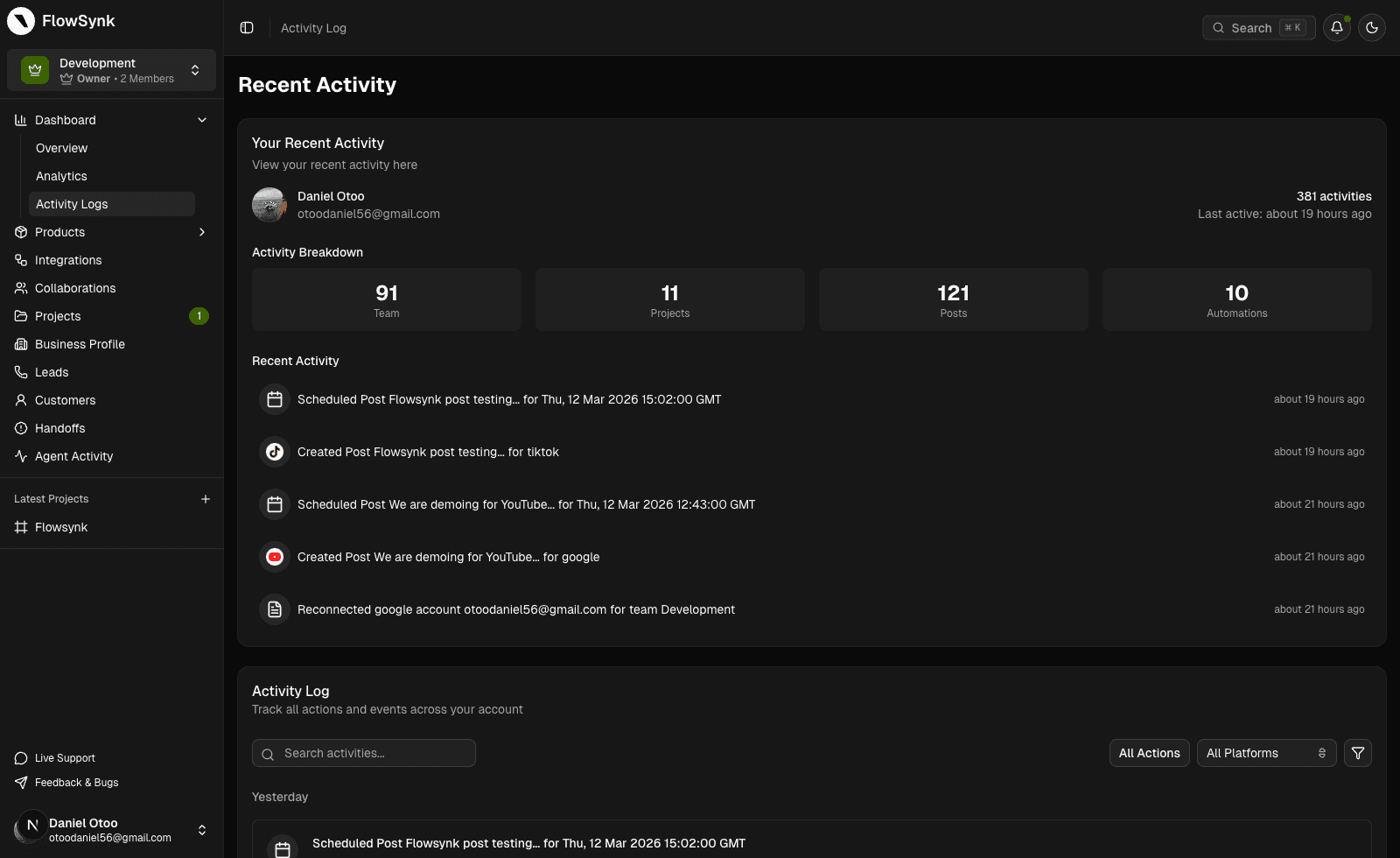
Operational visibility
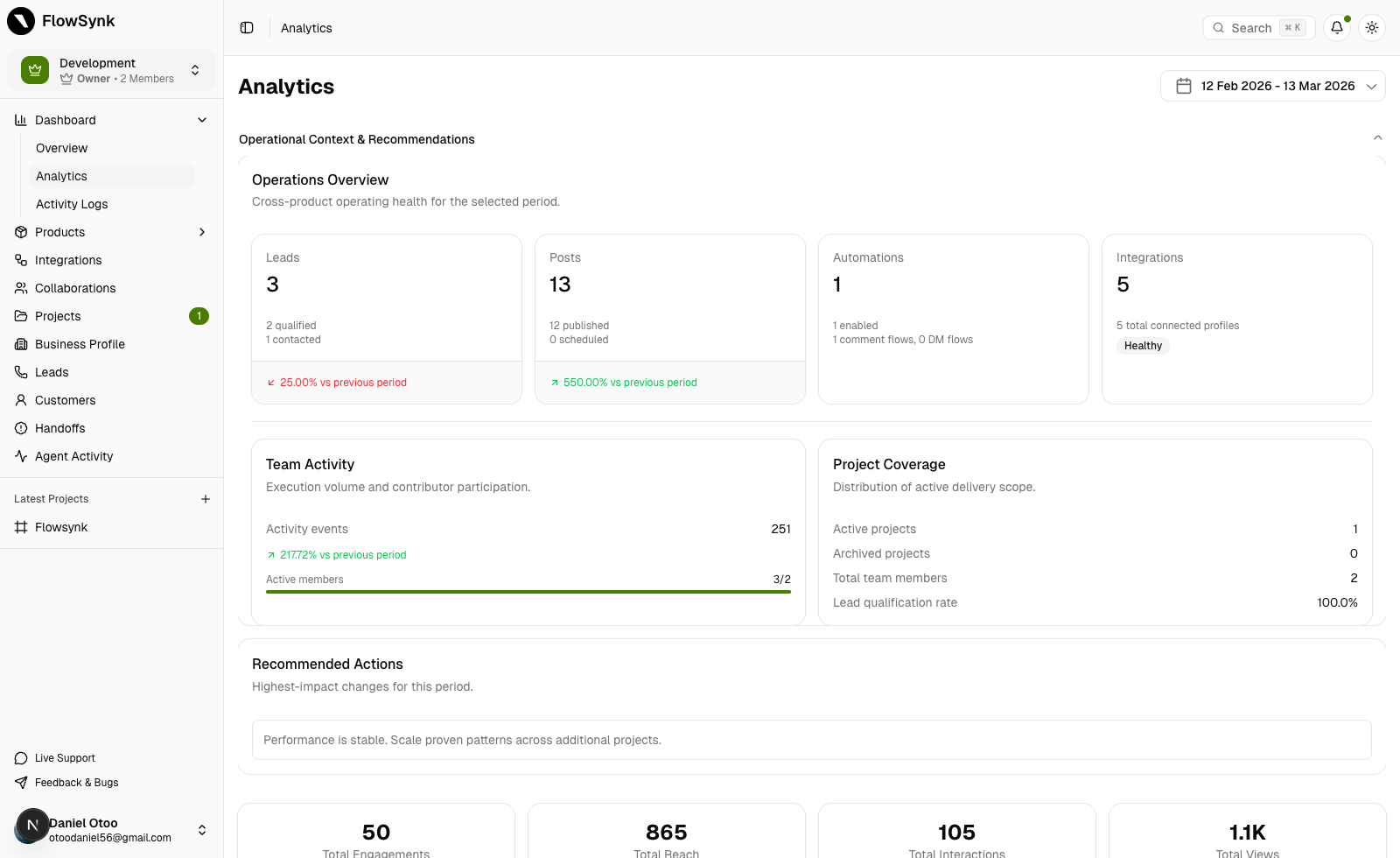
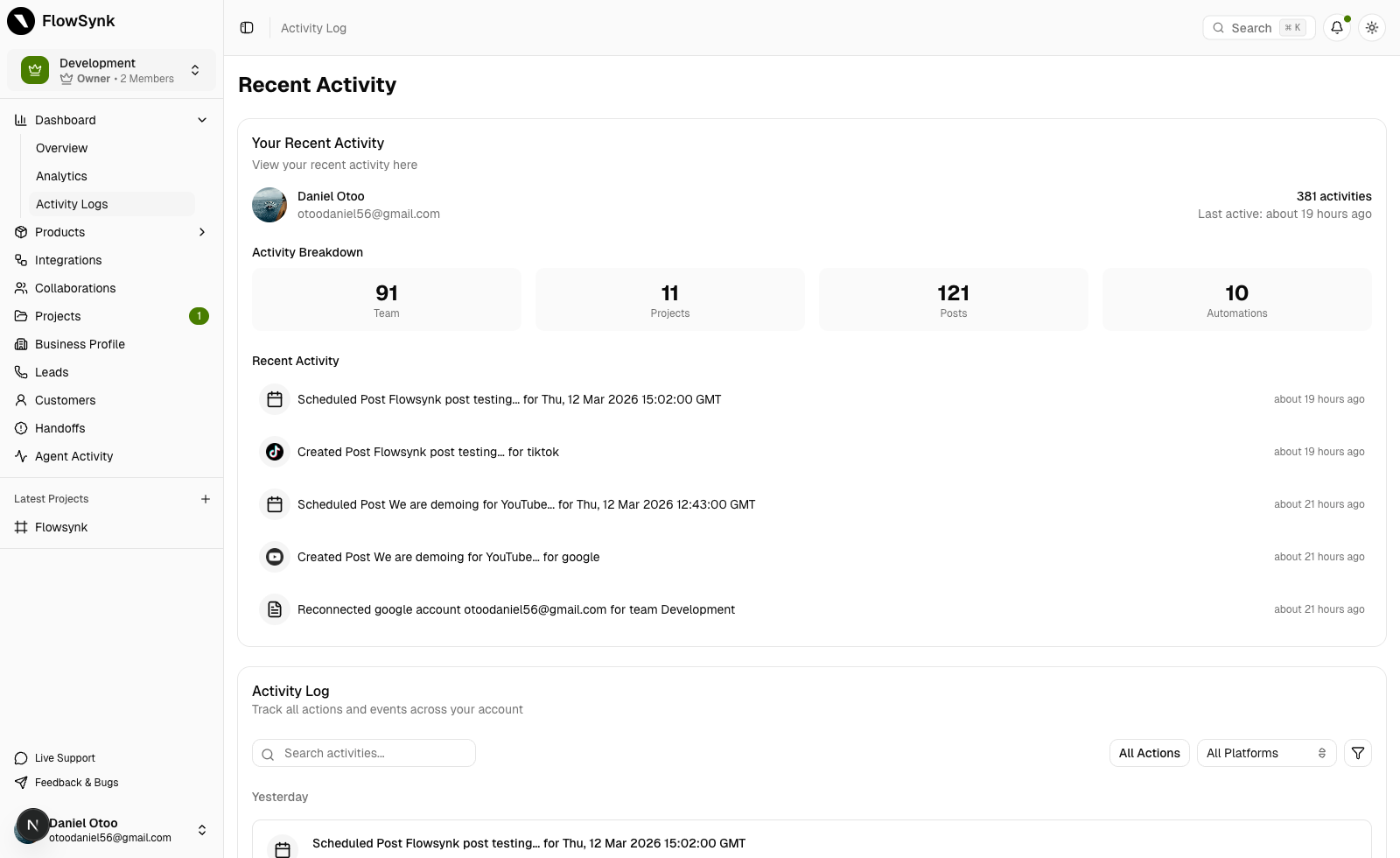
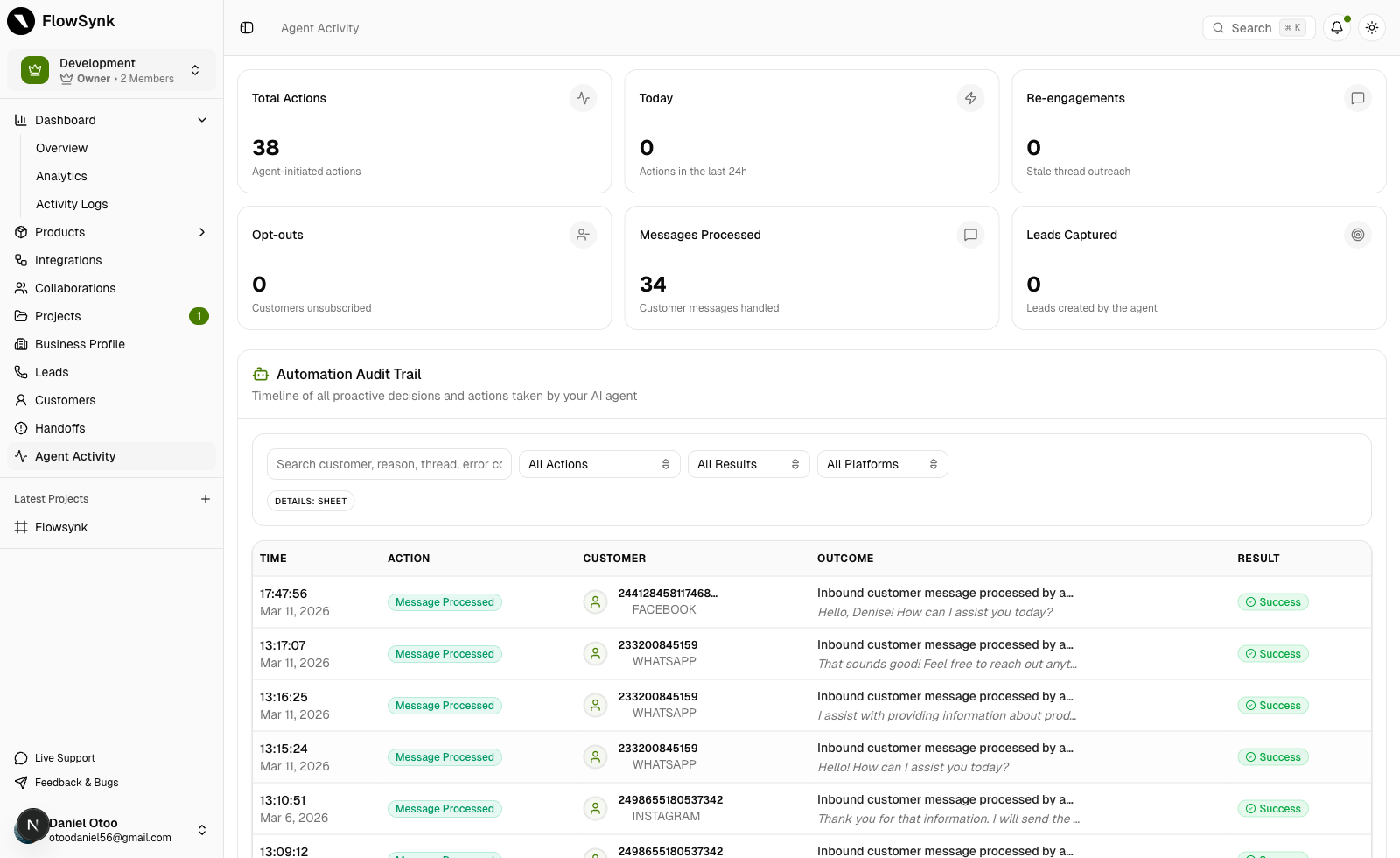
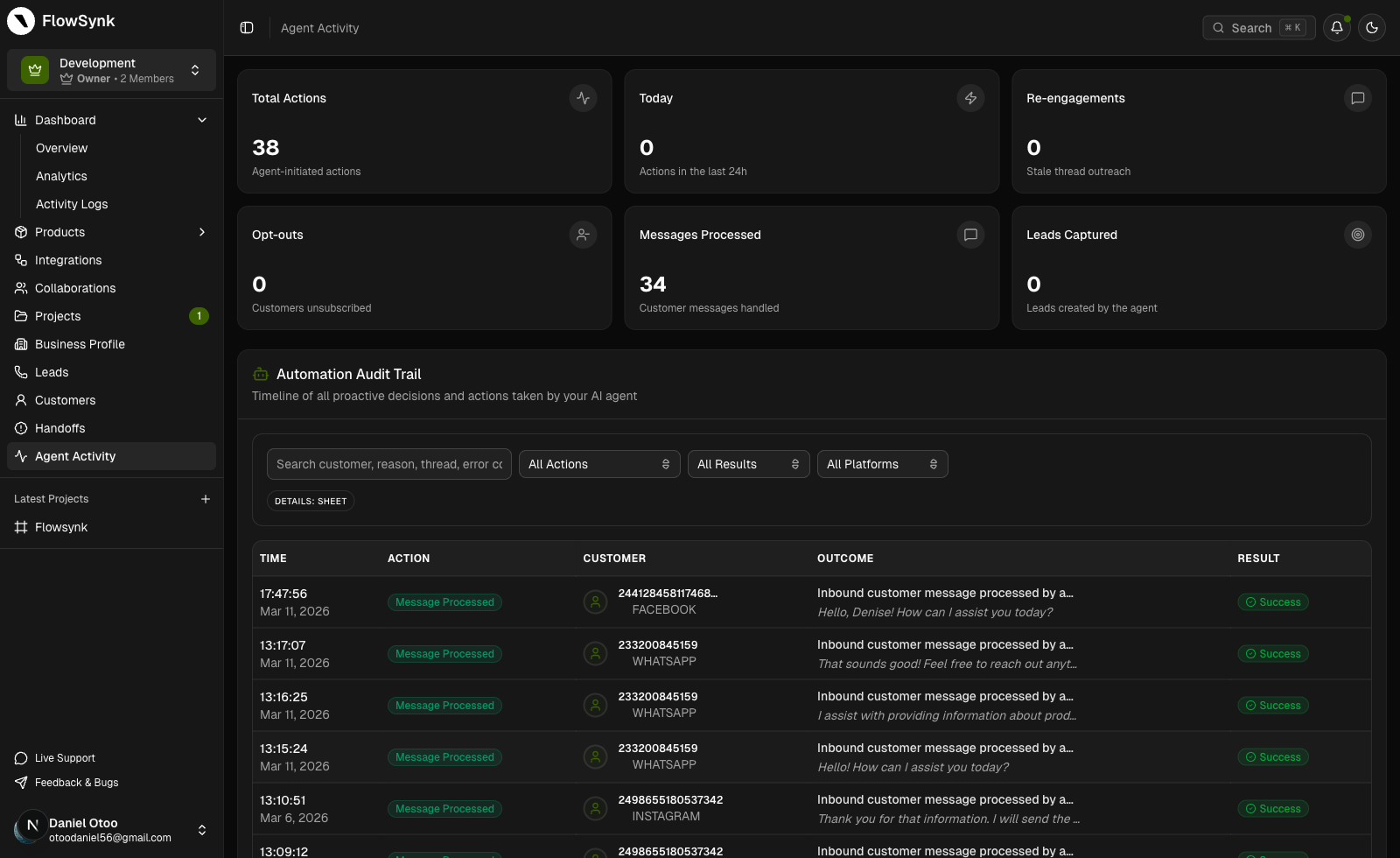
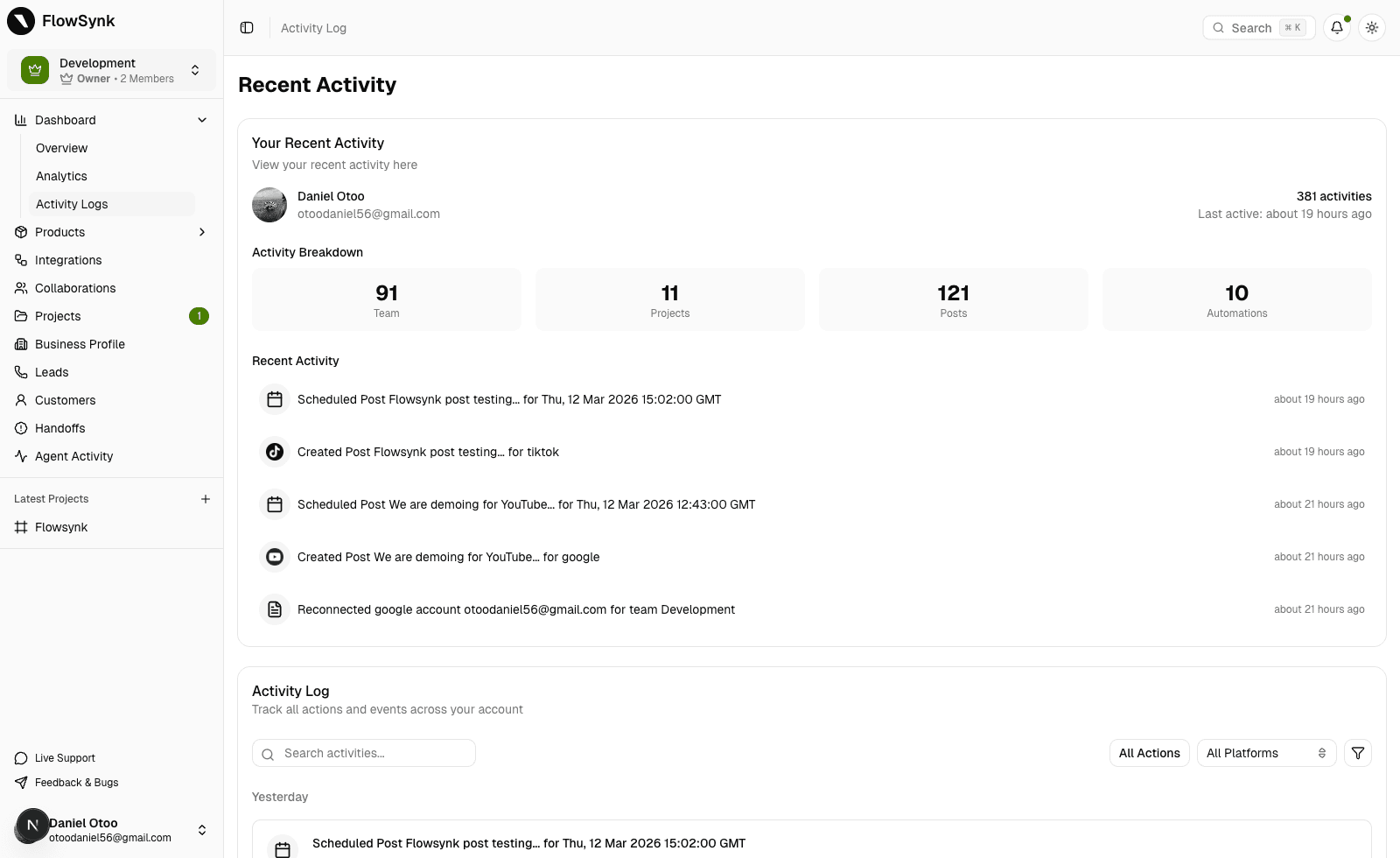
Use analytics and activity visibility to see what is working, where leads are coming from, and where your organization or team still needs manual intervention.
What happens here
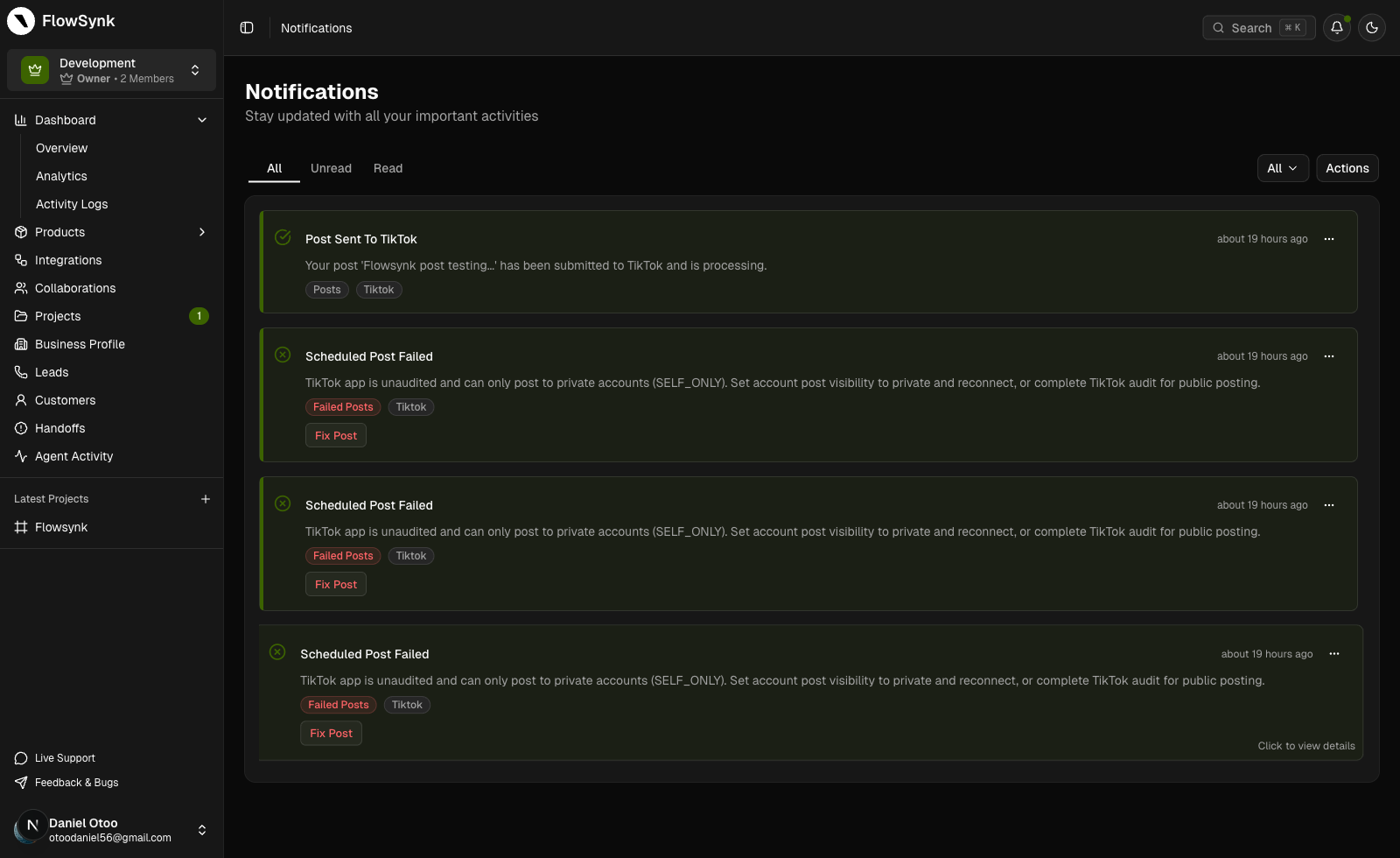
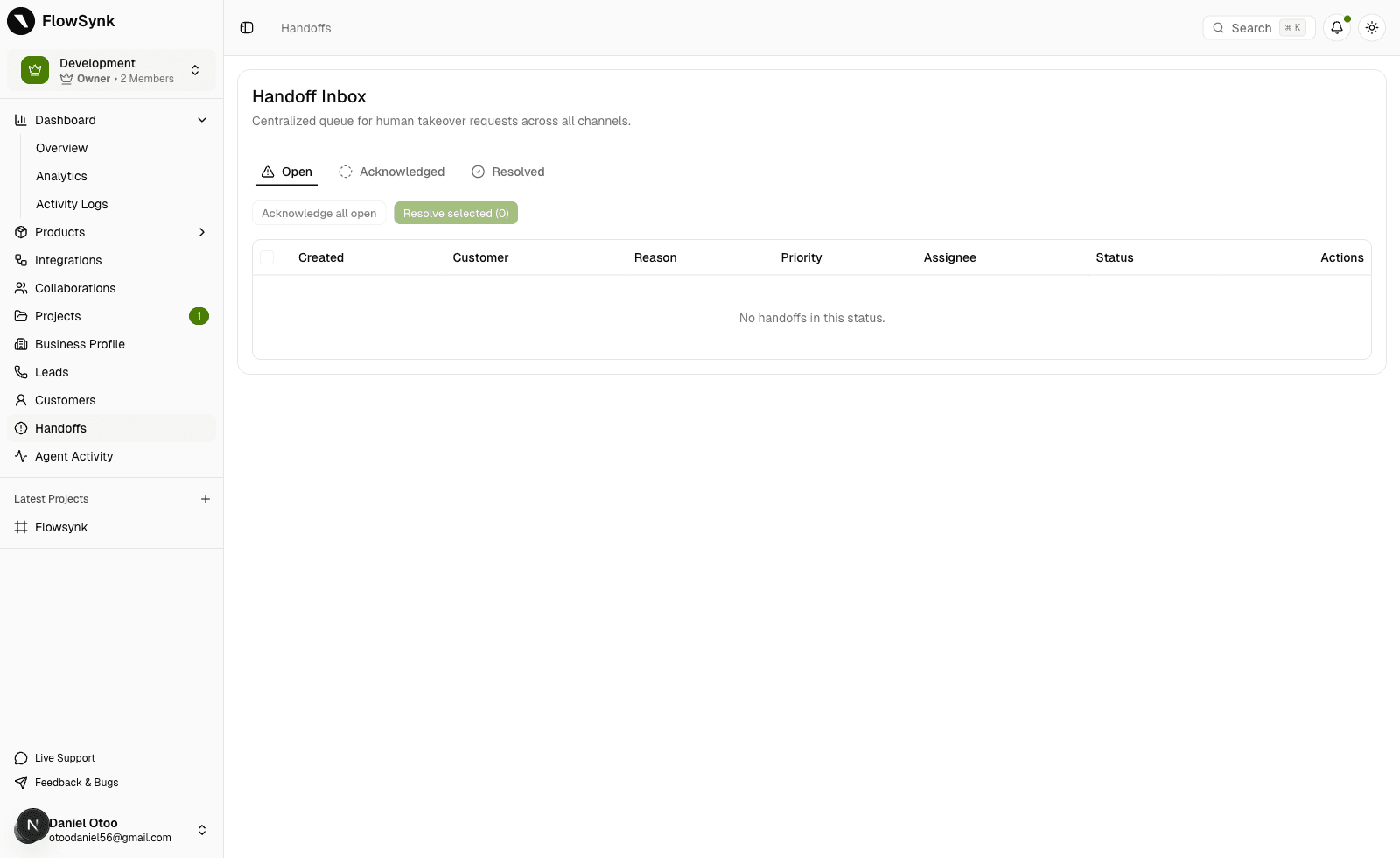
`How It Works` explains the flow. This section shows the surfaces your organization and team actually use to run that flow without losing control.
Automation Control
Use rules, approvals, and brand guidance to turn common comment and DM work into controlled workflows that stay usable as volume rises.
Start simple on Starter. Upgrade when you need more automation, storage, organization-wide controls, and team collaboration.
Automate comment-to-DM replies, keep your voice consistent, and stay on top of your inbox as you grow.
Outcomes
Upgrade moments
You don't need Enterprise on day one. Most teams upgrade when they:
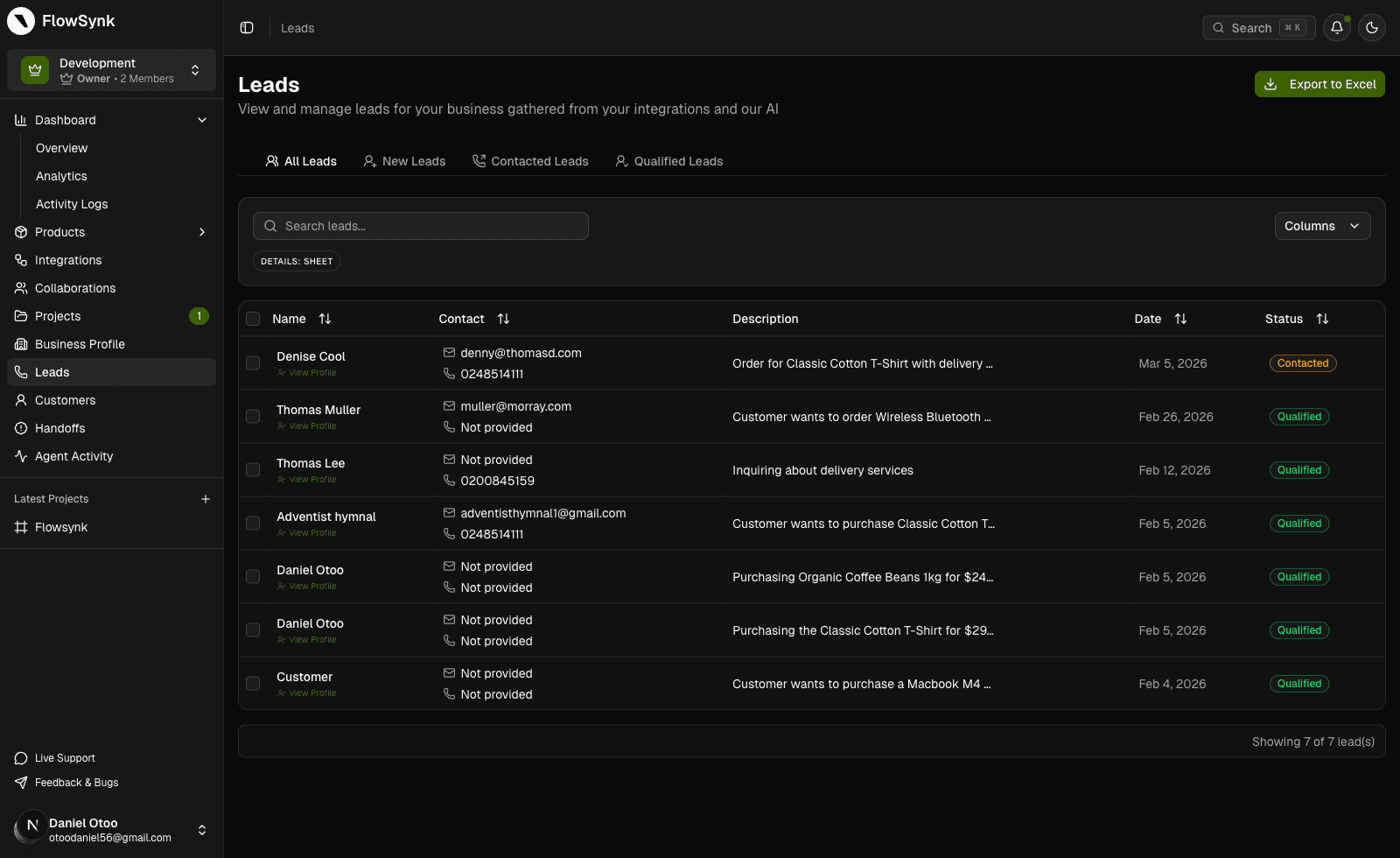
Publishing and automation are just the start. FlowSynk also keeps customers, products, ads, onboarding, and attribution in one place.
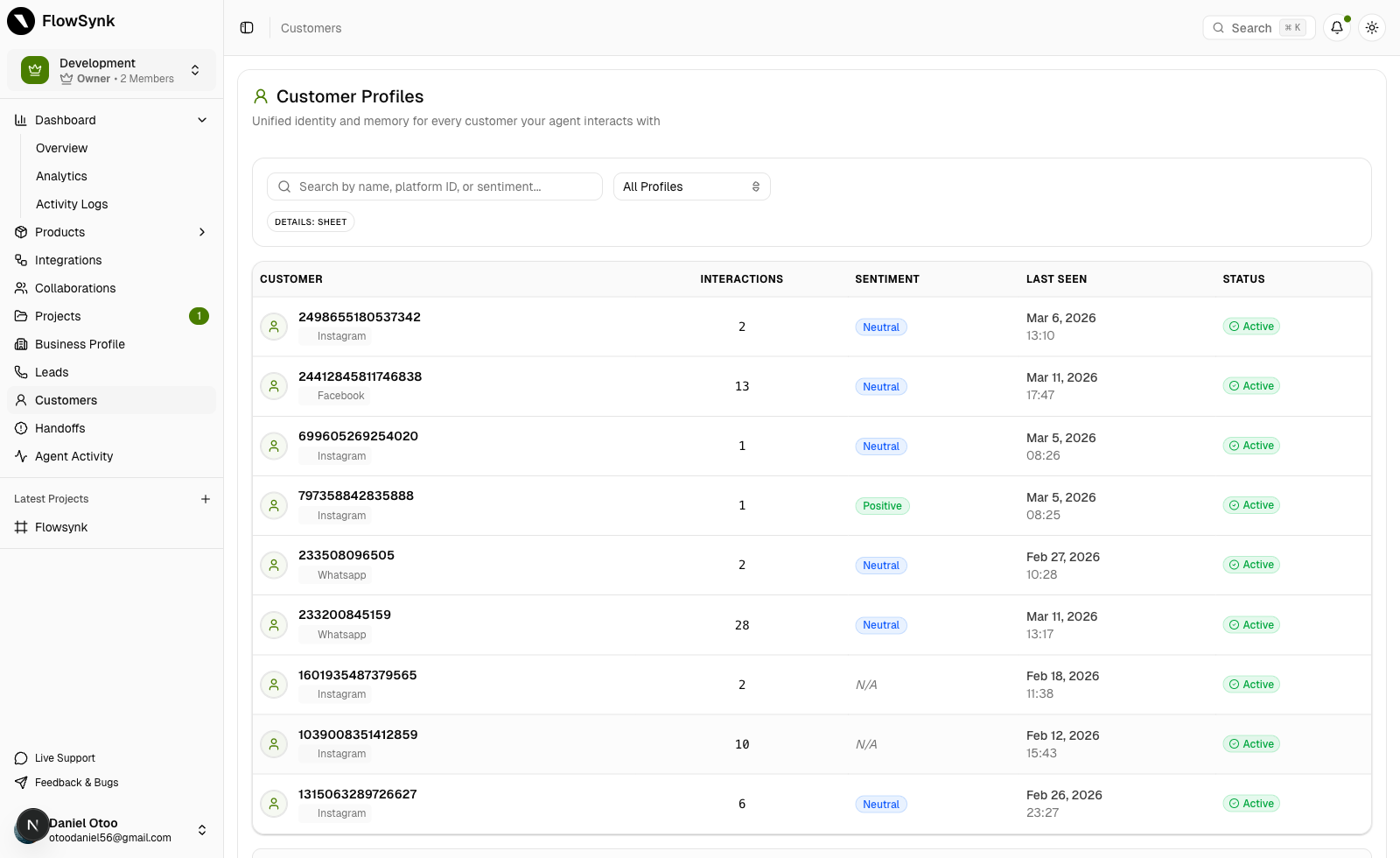
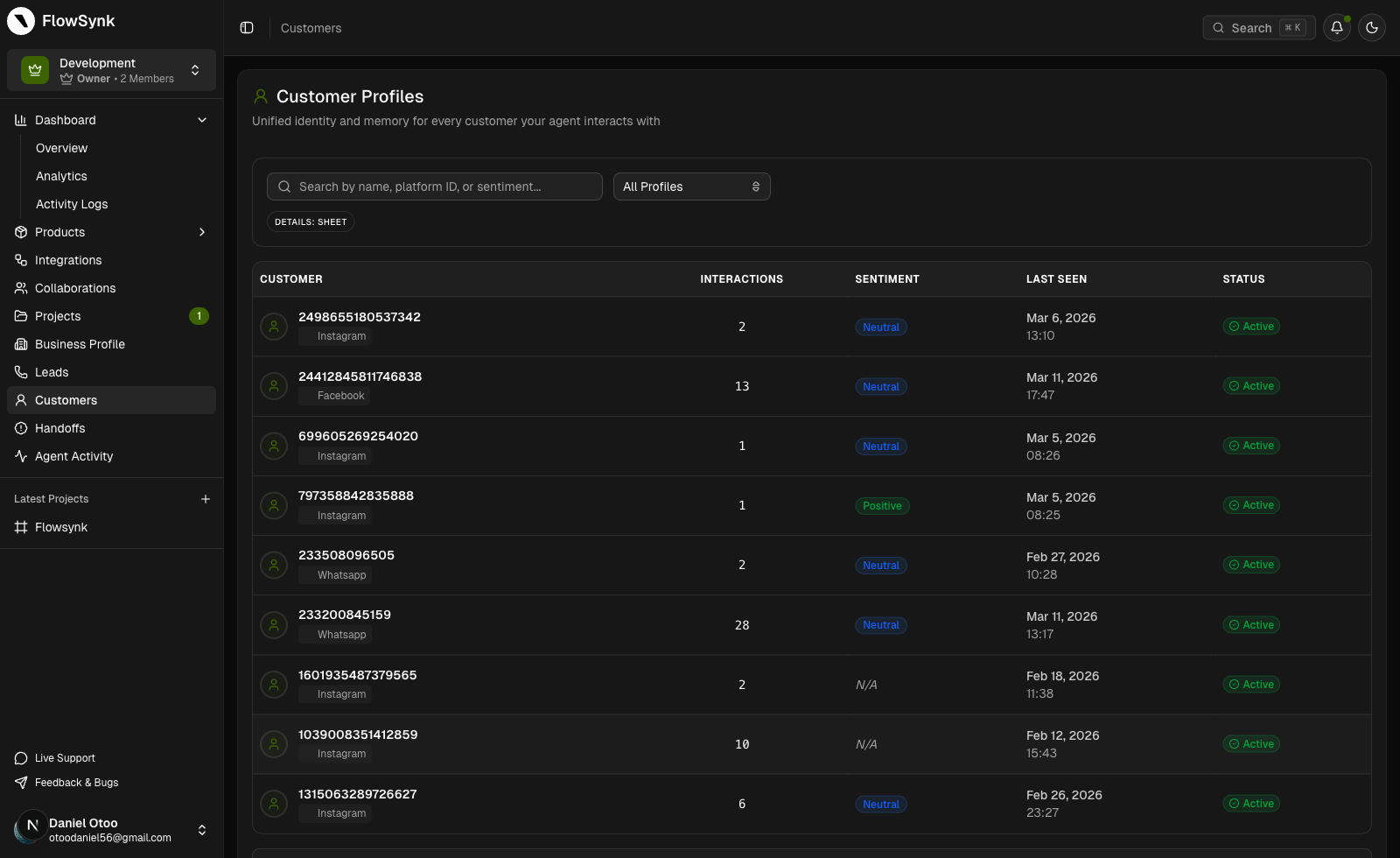
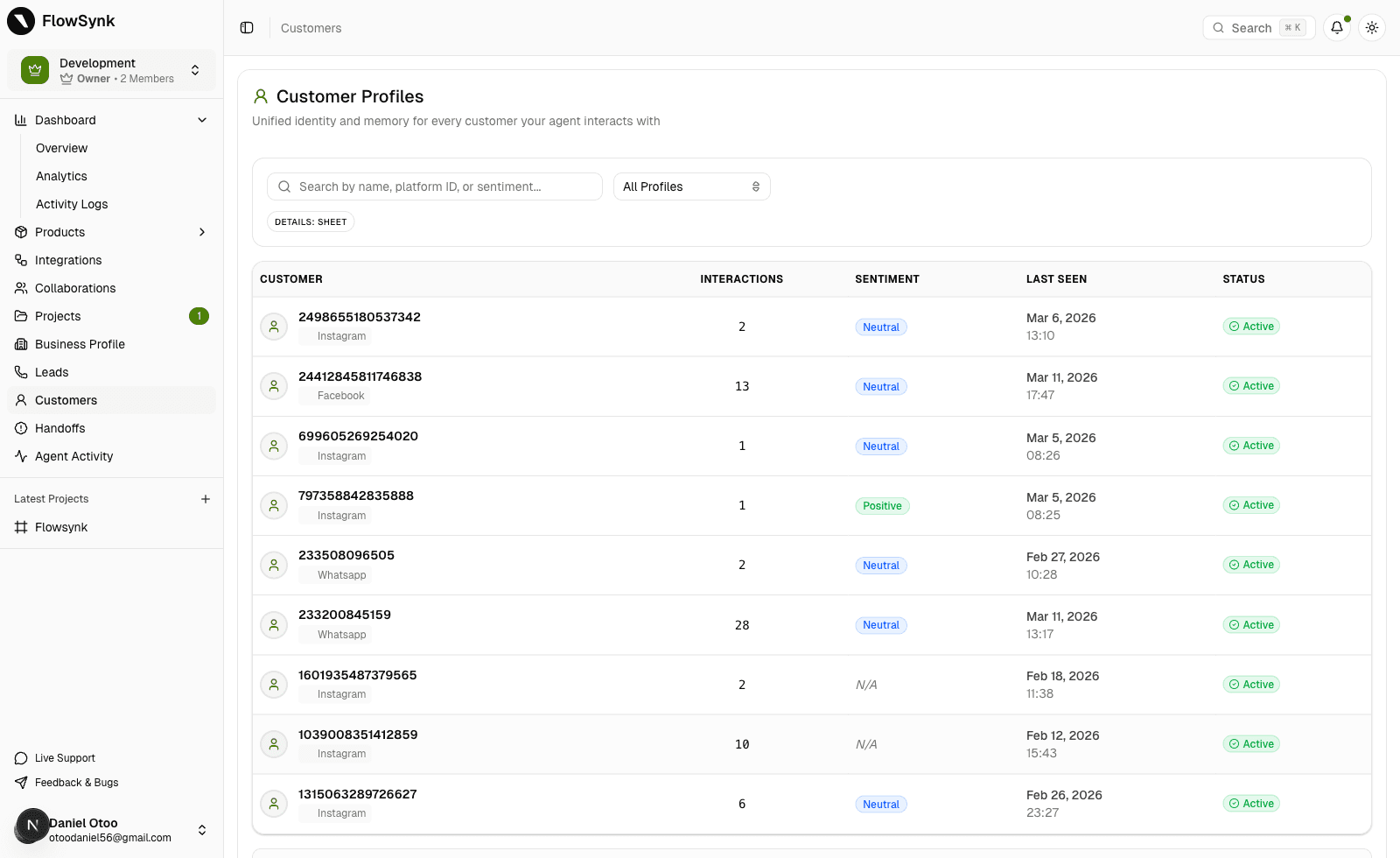
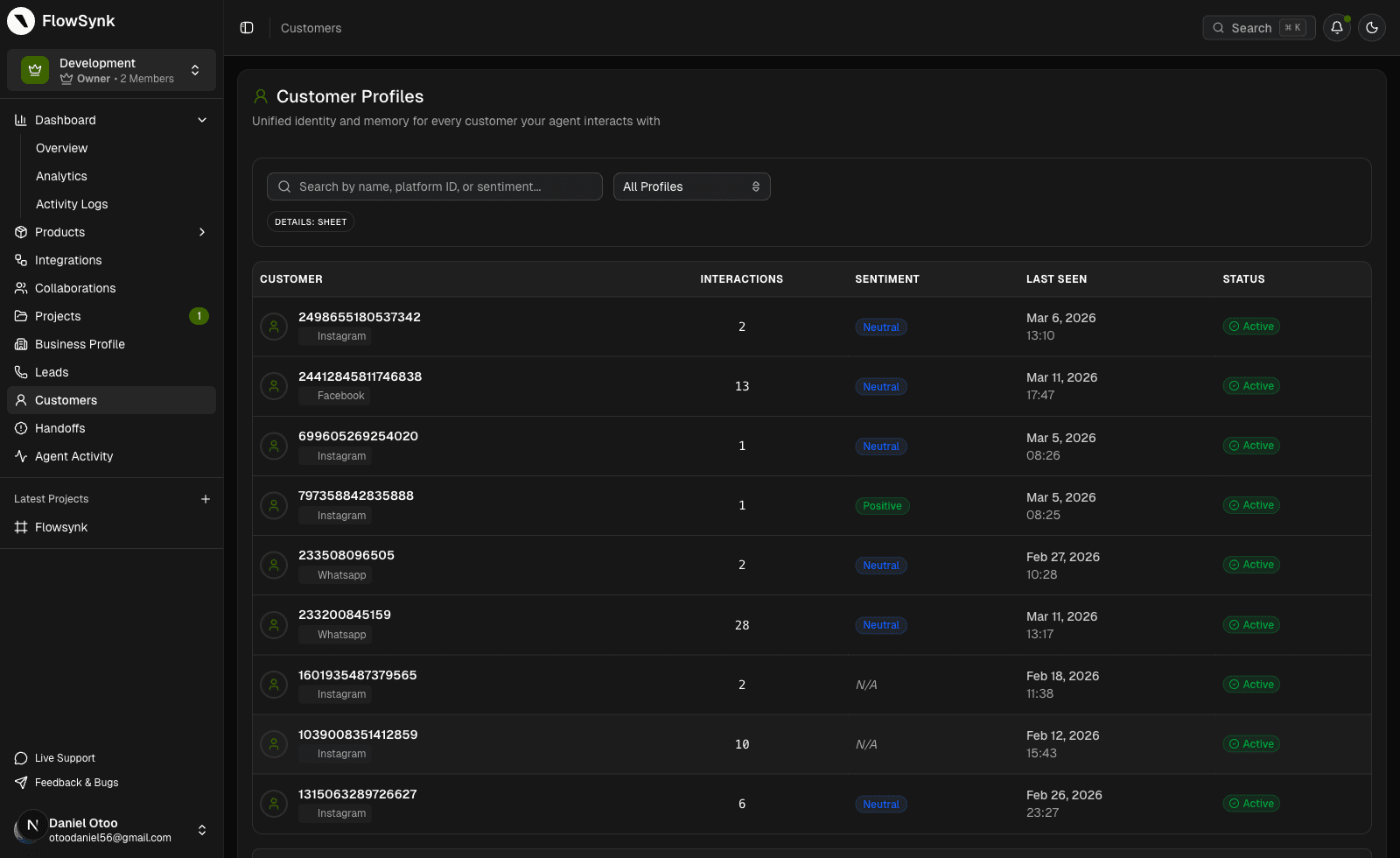
A unified view of every customer with conversation history, preferences, and agent memory — plus team business profiles that guide AI with your brand voice, products, FAQs, and policies.
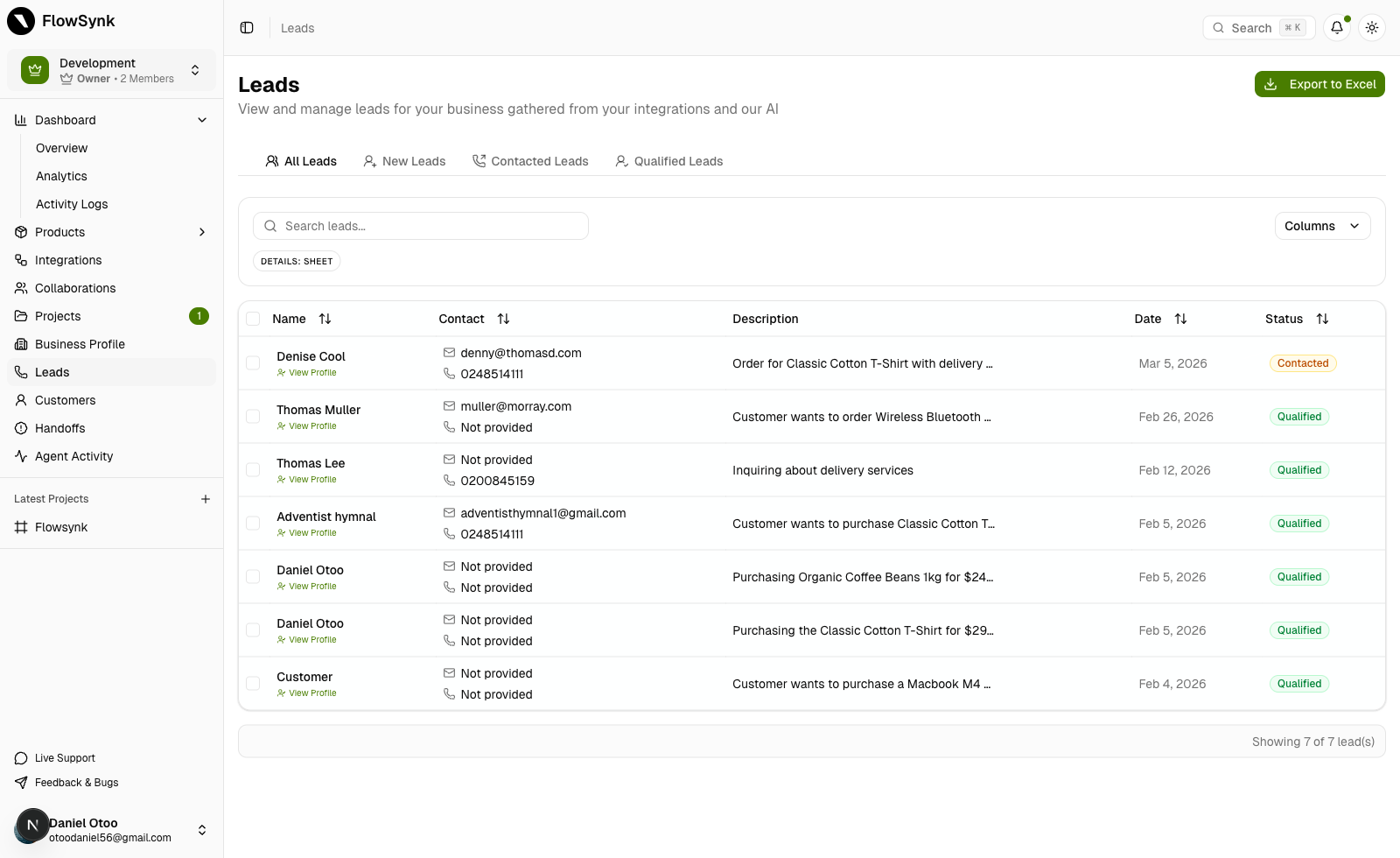
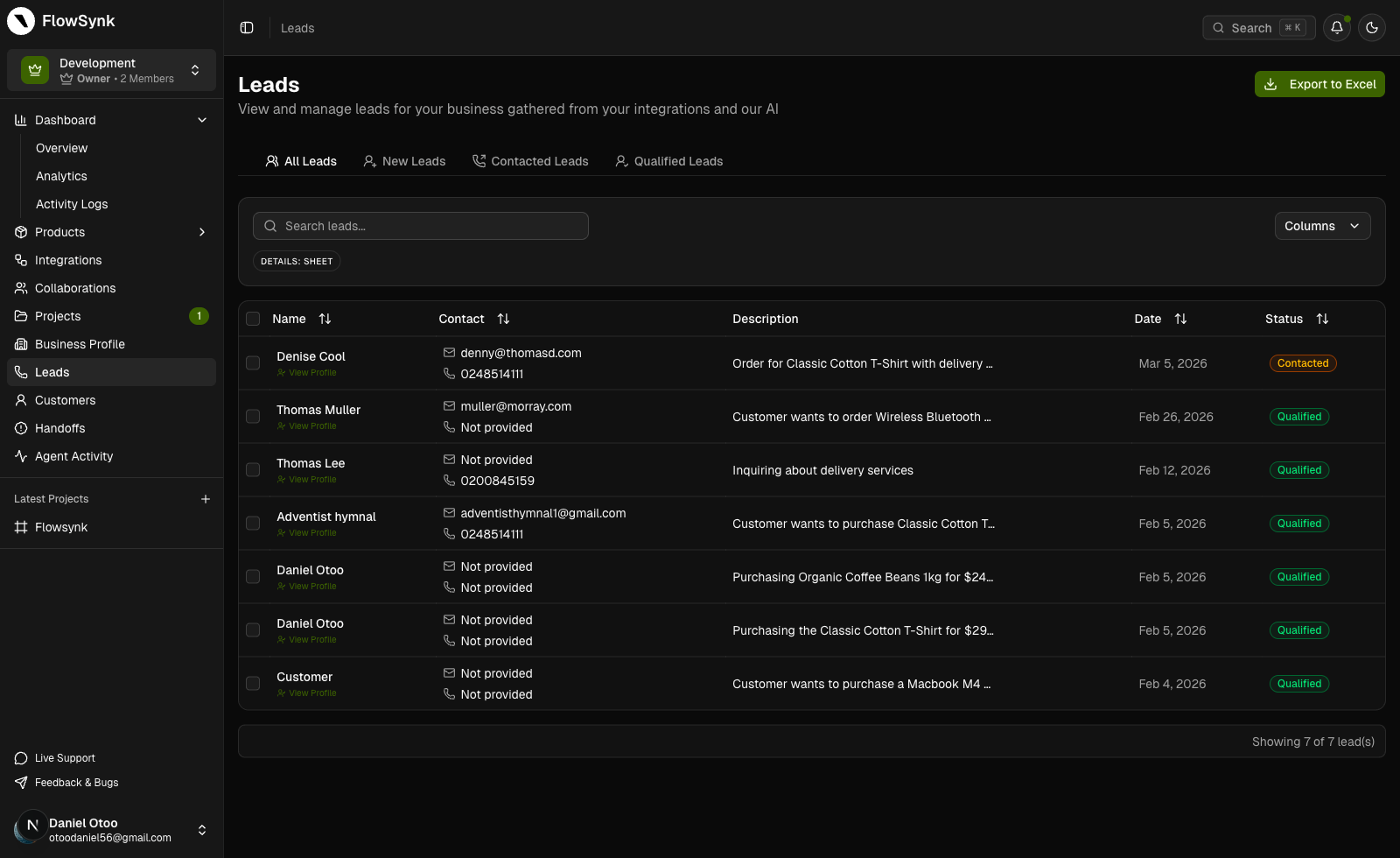
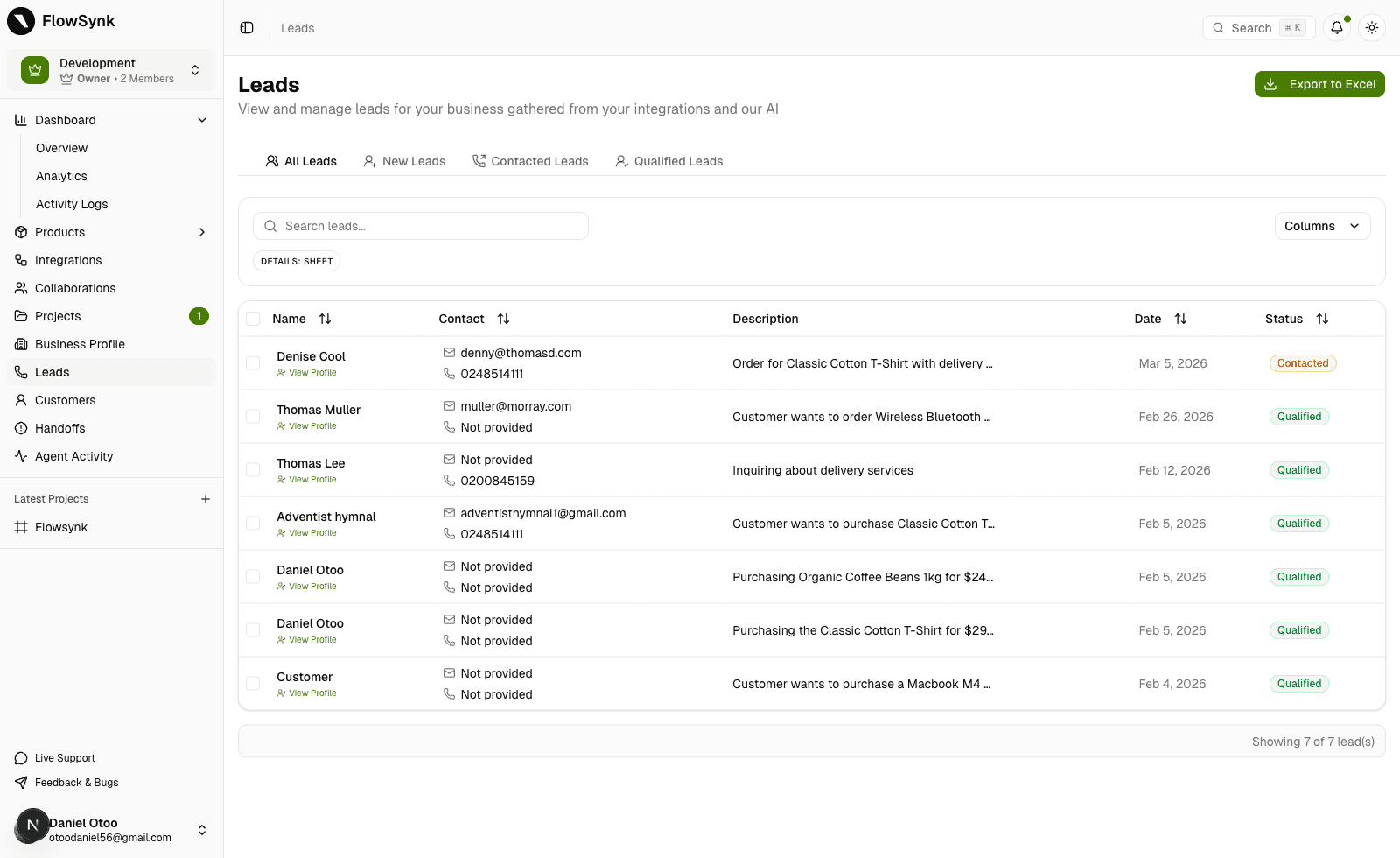
Capture high-intent comments and DMs, qualify with AI, and hand off to the right teammate before opportunities go cold.
Organize products, categories, inventory, and media. Link catalog items to conversations and export feeds when you need them.
Build and manage ad campaigns with AI-generated creative and performance tracking across the major social ad platforms.
A milestone-based activation hub that guides every organization and team from setup to first post, automation, and lead.
Track leads, conversions, and revenue back to posts, platforms, and campaigns so social work is measured by pipeline impact.
Teams adopt FlowSynk when the current stack starts leaking context, slowing response speed, and making social harder to manage at scale.
Before
Replies depend on whoever is online and context gets lost between shifts.
After
Core comment and DM workflows keep running with clear rules, while exceptions stay visible for the team.
Before
High-intent comments and DMs disappear into inbox noise or delayed follow-up.
After
Intent-based triggers turn engagement into structured next steps, links, and qualification paths.
Before
Publishing lives in one tool while engagement and follow-up happen somewhere else.
After
Drafting, scheduling, and response operations share one project context, which cuts down handoff mistakes.
Before
It is hard to see who changed what, what fired automatically, and where quality slipped.
After
Organizations, projects, permissions, and activity visibility make the system usable for teams and clients, not just solo operators.
We only list real support. Available integrations and roadmap integrations are separated on purpose, so what you can use now is always clear.
Available now
Core channels teams can connect today for publishing, engagement, and automation workflows.

Comment and DM automation

Messaging and engagement workflows

YouTube
Supported through Google integration

Business messaging automation

Telegram
Bot automation for business workflows

TikTok
Messaging and engagement workflows
Public roadmap
These are the next channels on deck. They are visible here so planning stays honest.

Planned roadmap integration

X
Planned roadmap integration

Planned roadmap integration

Planned roadmap integration
Why FlowSynk
FlowSynk connects publishing, engagement, lead capture, AI agents, customer profiles, organization and team accountability, and operational visibility — so social work drives revenue, not just activity.
Publishing, engagement, lead capture, AI agents, customer profiles, and operational visibility in a single system — not five disconnected tabs.
Organizations, projects, roles, automations, and activity logs keep response quality high as volume scales.
Audit trails, rollout support, and transparent usage — designed for teams that cannot afford silent failures.
vs Schedulers (Buffer, Later, Hootsuite)
They optimize publishing calendars. FlowSynk connects publishing with engagement, lead capture, and automation in one operating layer.
vs Inbox tools (ManyChat and point DM tools)
They solve one channel workflow. FlowSynk unifies comment/DM automation, AI agents, and team visibility across your social operation.
vs CRM suites (HubSpot, Salesforce)
They own pipeline after capture. FlowSynk is the social-first front door — capture, qualify, and route leads without replacing your CRM.
Every tier is outcome-first — faster response, lead capture, and team visibility. Expand limits when volume and coordination require it.
Pro
Best for creators and small teams getting consistent volume.
Starter
Best for testing one brand or solo workflows.
Pro
Best for creators and small teams getting consistent volume.
Growth
RecommendedBest for most teams running active campaigns and automations.
Enterprise
Best for high-volume operators, multi-brand teams, and rollout support.
Everything you need to know before you start.
Reach out and we’ll help you pick the right plan.
Start on Starter or Pro, prove value with one live workflow, then scale into Growth when publishing, automation, and team coordination start to overlap.
Why teams move now